
 The Essential Tool for Sellers
Shopline Orders
One-Click Sync & Fulfillment
Free for All Members
Holiday Courier Offers
Real-Time Sync
818+
Partner Merchants
180+
Supported Countries/Regions
$0
Free Extension Installation
100%
Secure Data Encryption
Fuuffy Shopping Cart Extension is built for Shopline merchants, solving every shipping frustration along the way.

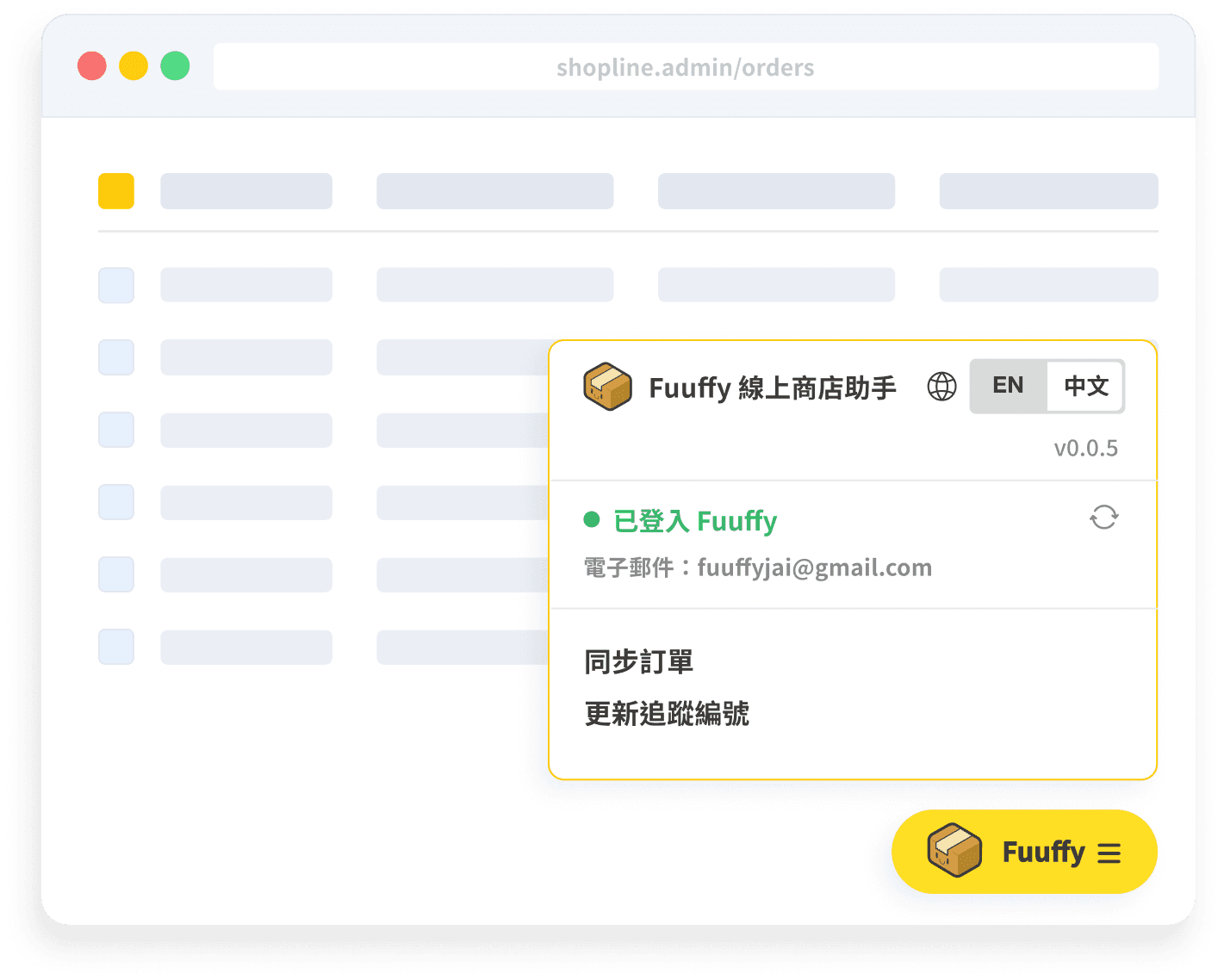
Activate directly on the Shopline page to auto-fetch and preview orders. Import to Fuuffy in bulk with no page switching — dramatically boosting efficiency.
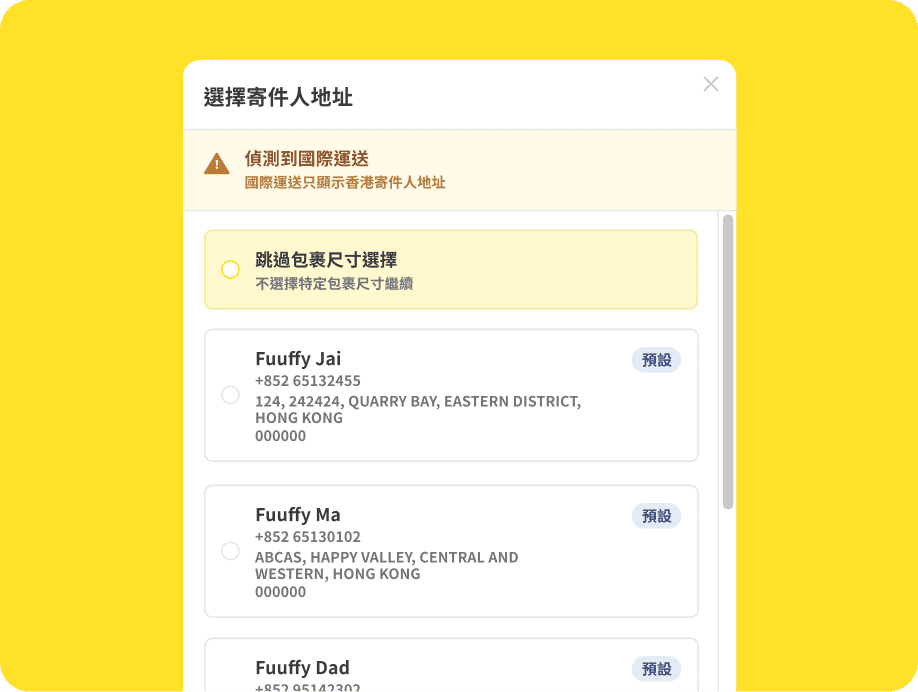
Automatically identifies international orders and recommends the right sender address. Supports multiple saved addresses and one-click apply, reducing cross-border shipping errors.
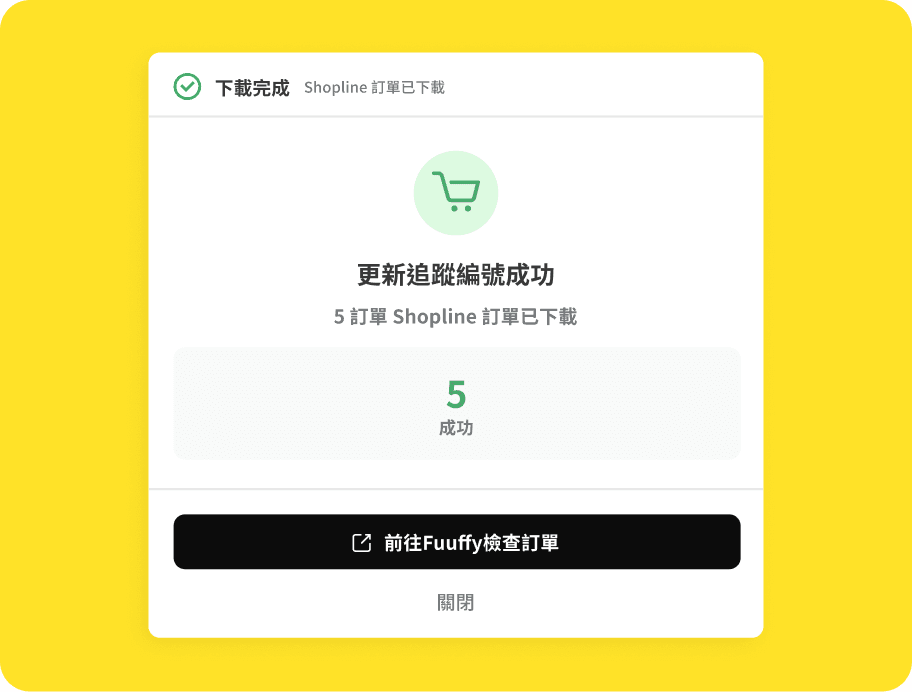
After creating the shipment, the system automatically sends the tracking number back to Shopline and updates the order status — no manual input needed, zero human error.
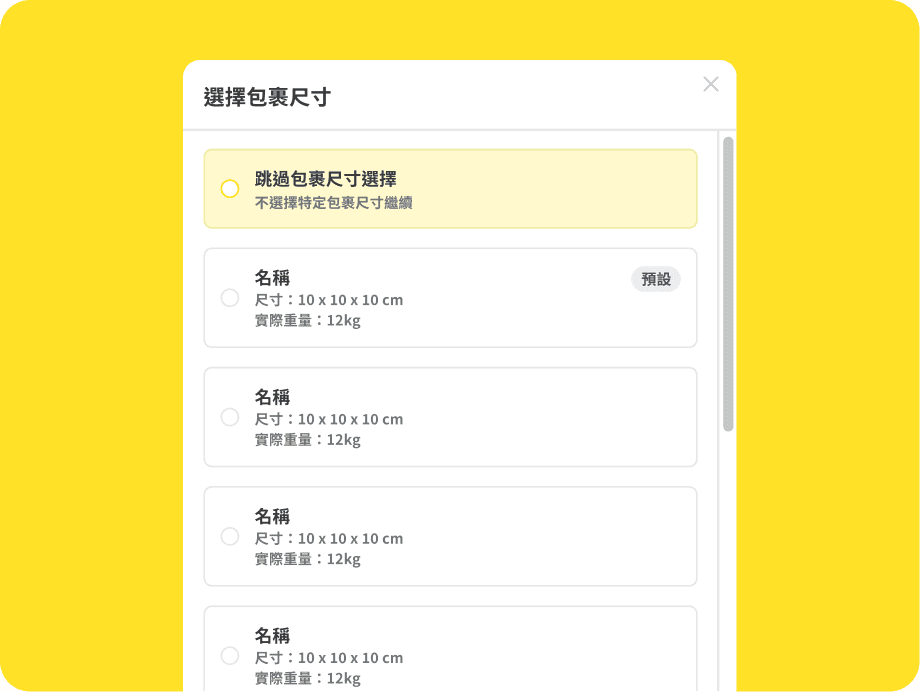
Supports preset parcel sizes and weights. Apply them instantly across orders for a more standardized and automated fulfillment flow.
As your order volume grows, the tools you choose directly impact your profits.
Manual Excel entry — complex and error-prone
Processing large order batches can take over 1 hour
Incorrect address format increases return costs
Constant window switching disrupts workflow
Auto-fetch orders in one click — truly zero manual work
Process large batches in as fast as 3 minutes
Smart address detection eliminates return issues
Operate seamlessly on the Shopline page — no page switching
Just Three Steps to
Complete Daily Fulfillment
01
Install & Log In
Install the Chrome extension and log in to your Fuuffy account.
02
Open in Shopline
Go to the Shopline order backend and click the Fuuffy button at the bottom right to open the panel.
03
Review & Sync
The system auto-fetches orders. Review parcel sizes and addresses, then click to sync orders.

Install the Fuuffy Shopping Cart Extension now and experience a whole new level of Shopline order processing speed.